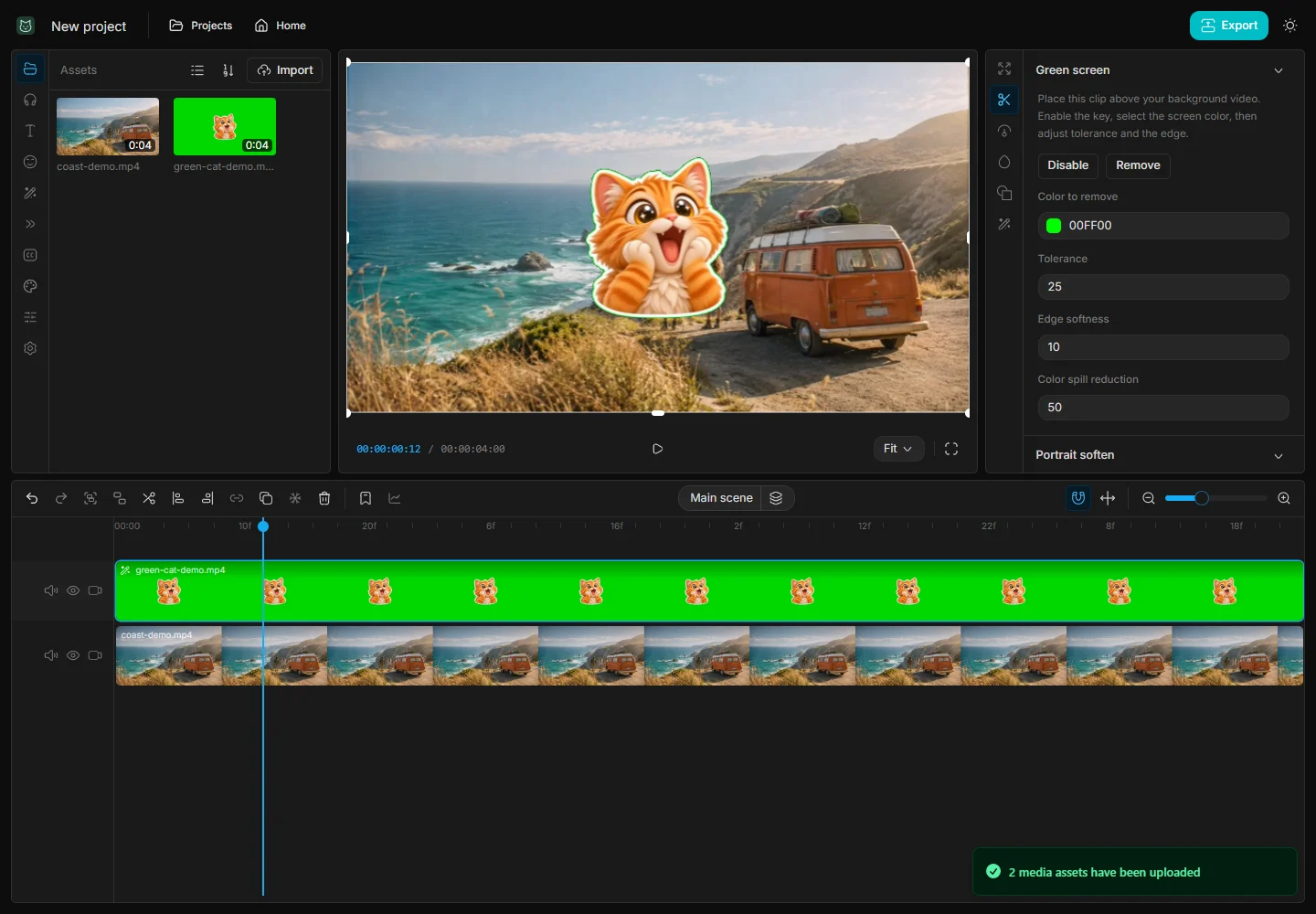
Green screen video in your browser
Remove a flat green or blue background and place one video over another using separate timeline tracks.
Read guide →Follow focused walkthroughs for layering video, animating an overlay, and changing playback speed. The screenshots show the actual editor with sample media.
Remove a flat green or blue background and place one video over another using separate timeline tracks.
Read guide →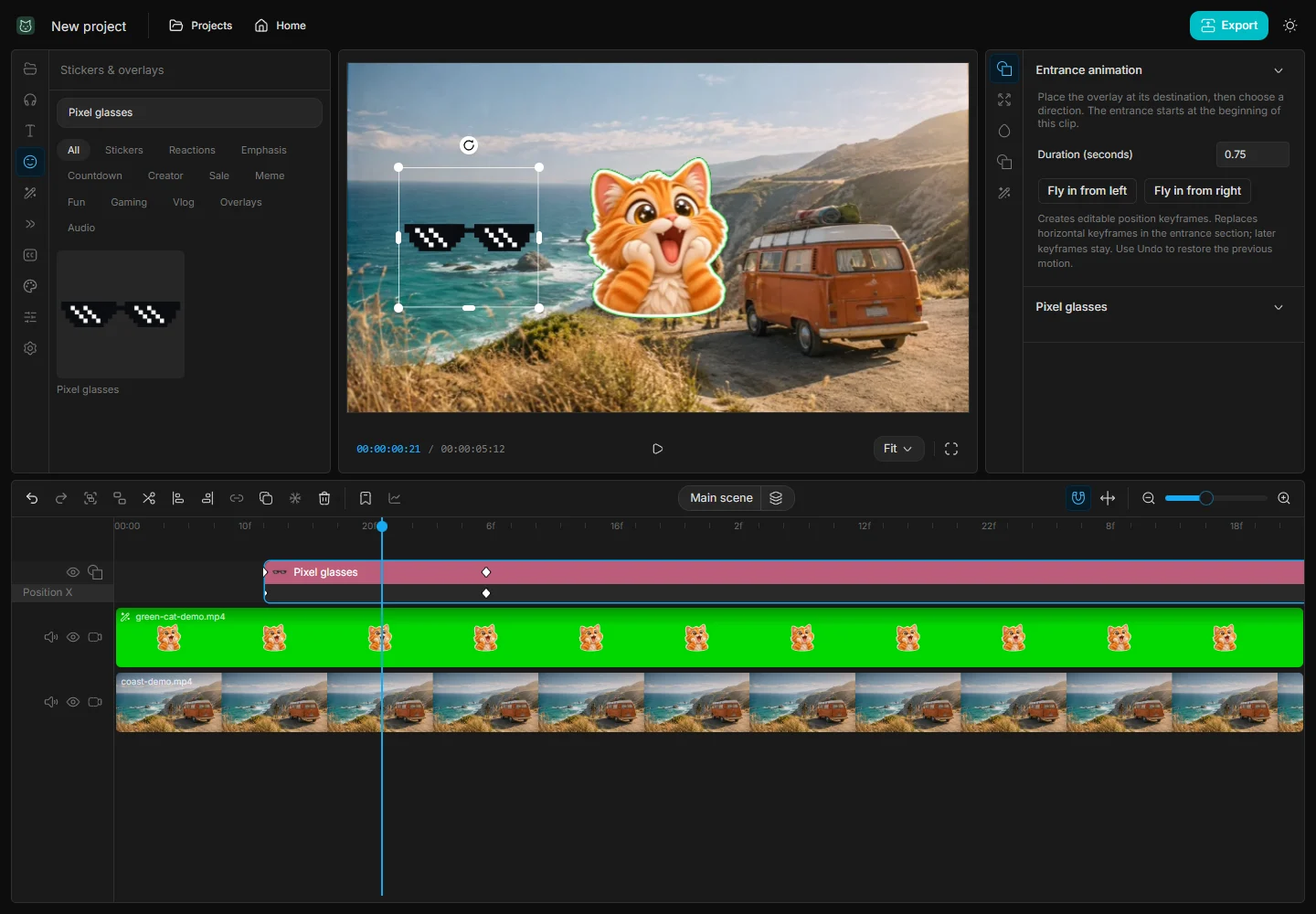
Use editable position keyframes to move glasses or another graphic from outside the frame to a chosen location.
Read guide →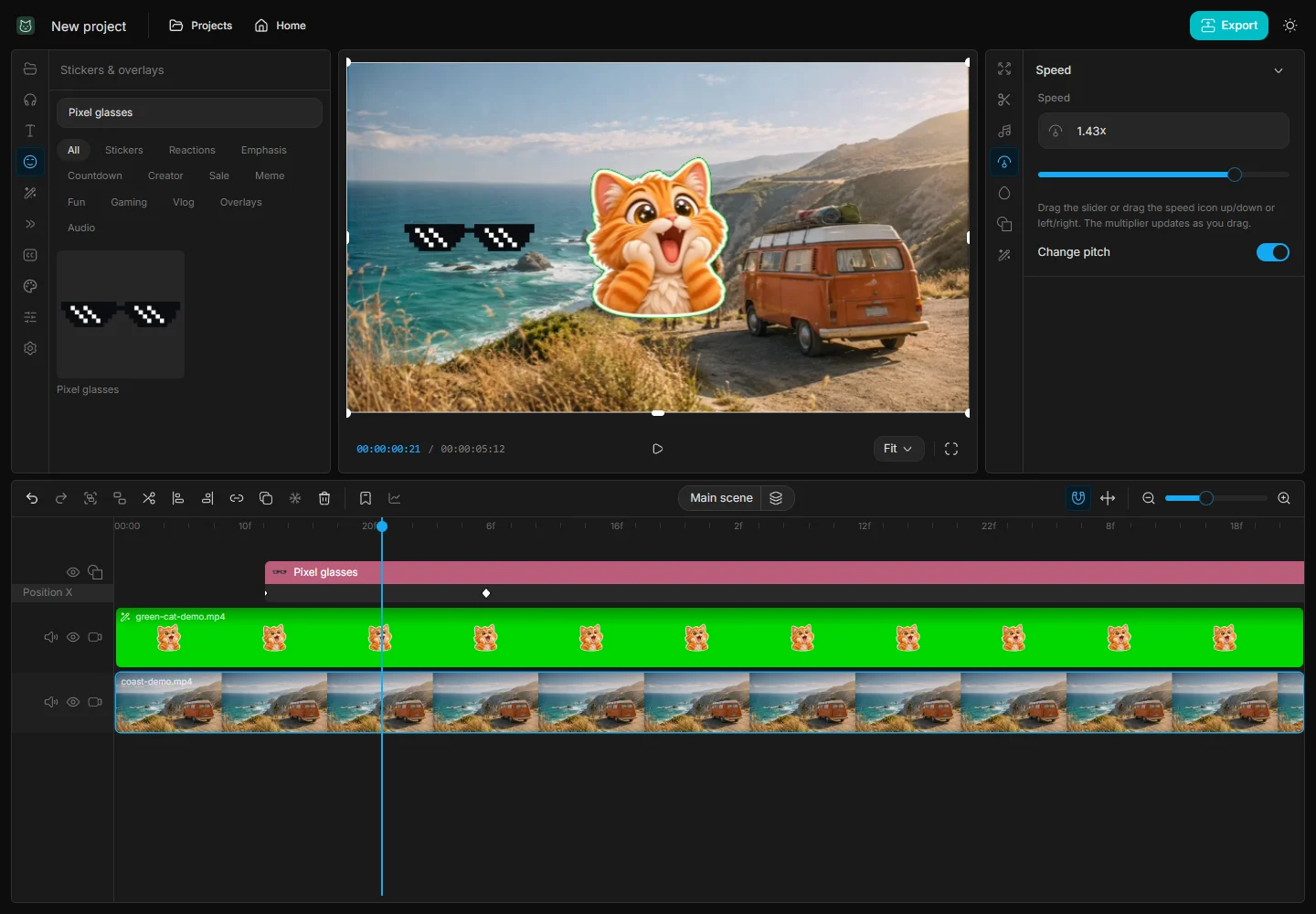
Speed up or slow down a clip while the multiplier and timeline duration update during the drag.
Read guide →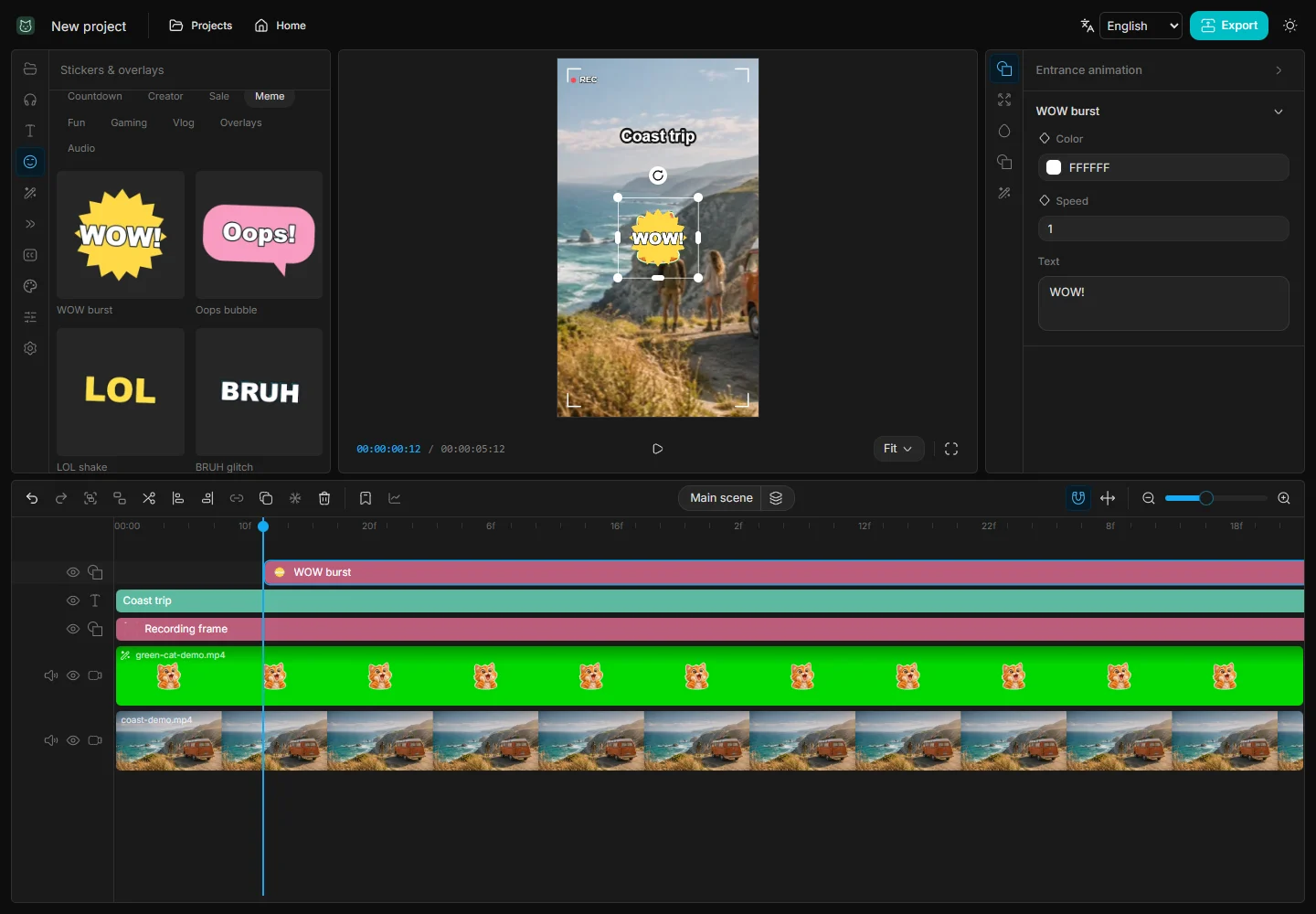
Build a short vertical edit around a reveal, with deliberate cuts and a reaction sticker timed to the payoff.
Read guide →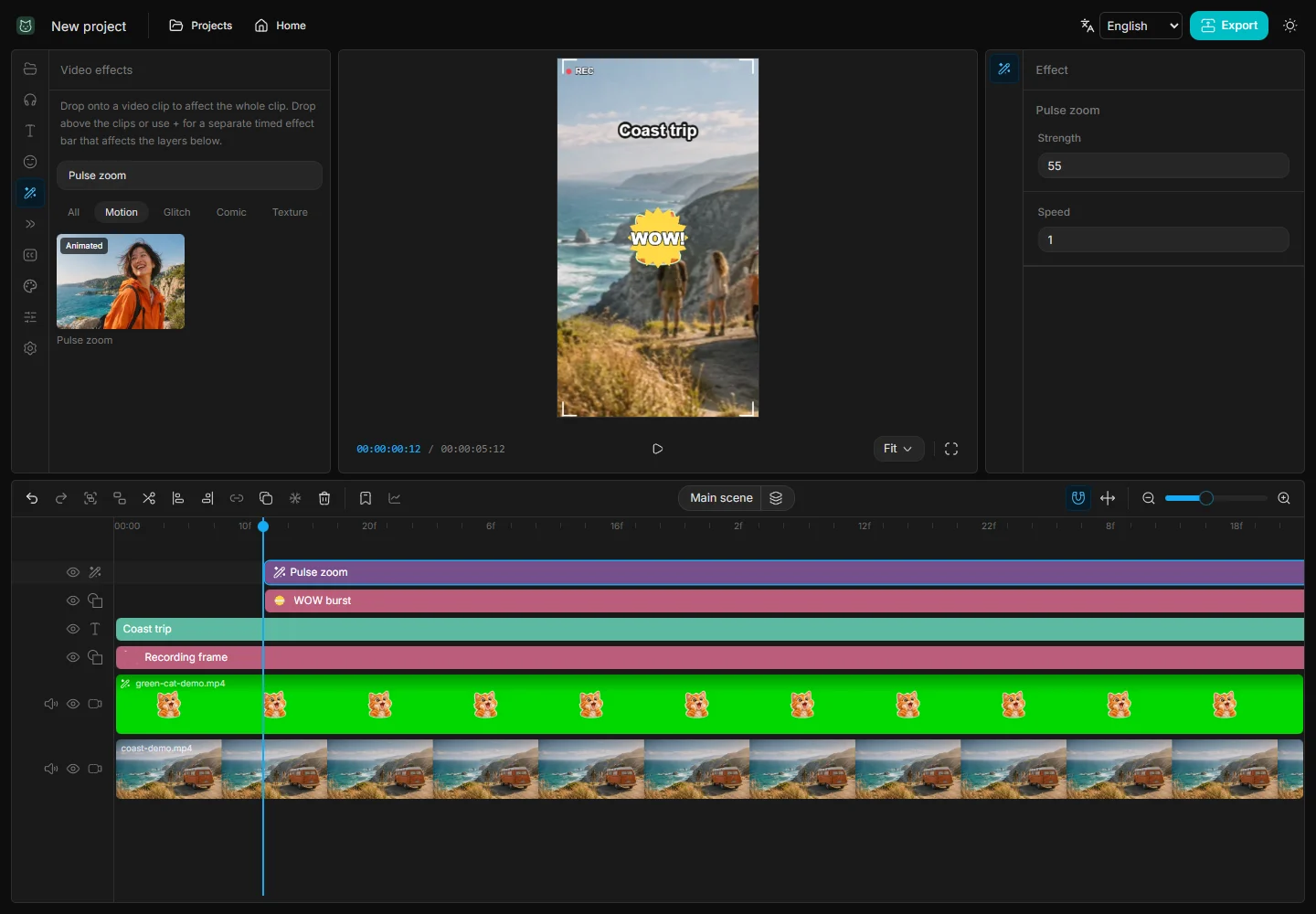
Turn a product or event clip into a clear vertical Reel with a short title, a timed effect, and a version that makes sense with the sound off.
Read guide →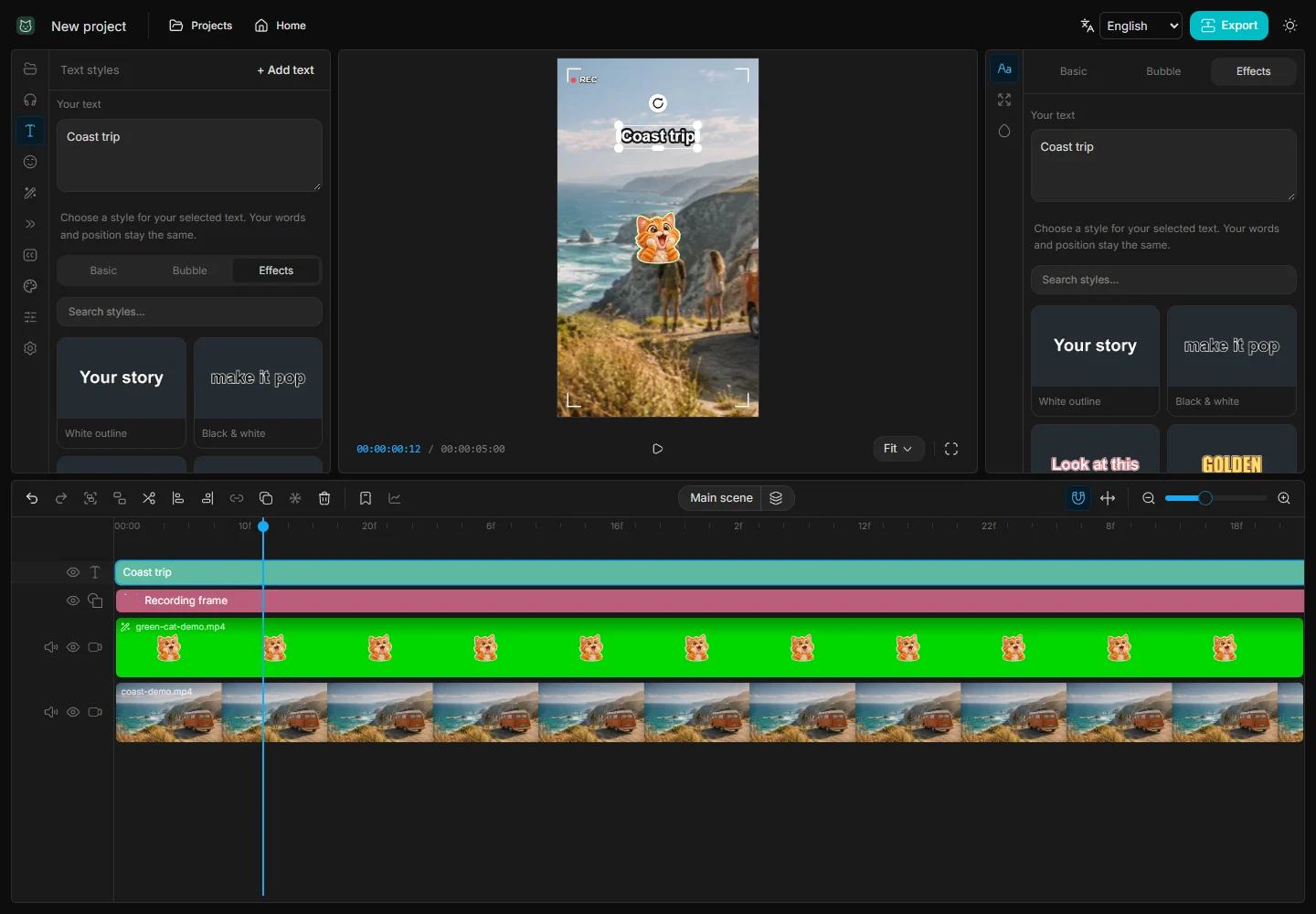
Make a vertical tutorial with a visible result, readable step labels, and room for viewers to follow each action.
Read guide →