Edit Facebook Reels for free online
Turn a product or event clip into a clear vertical Reel with a short title, a timed effect, and a version that makes sense with the sound off.
1. Build a three-shot story
For a market recap, start with a wide shot, cut to one close-up, then finish with the date or next location. Use a 9:16 project and keep the subject near the middle. A simple contrasting title tells viewers where they are even if their phone is muted.
2. Use an effect on one section
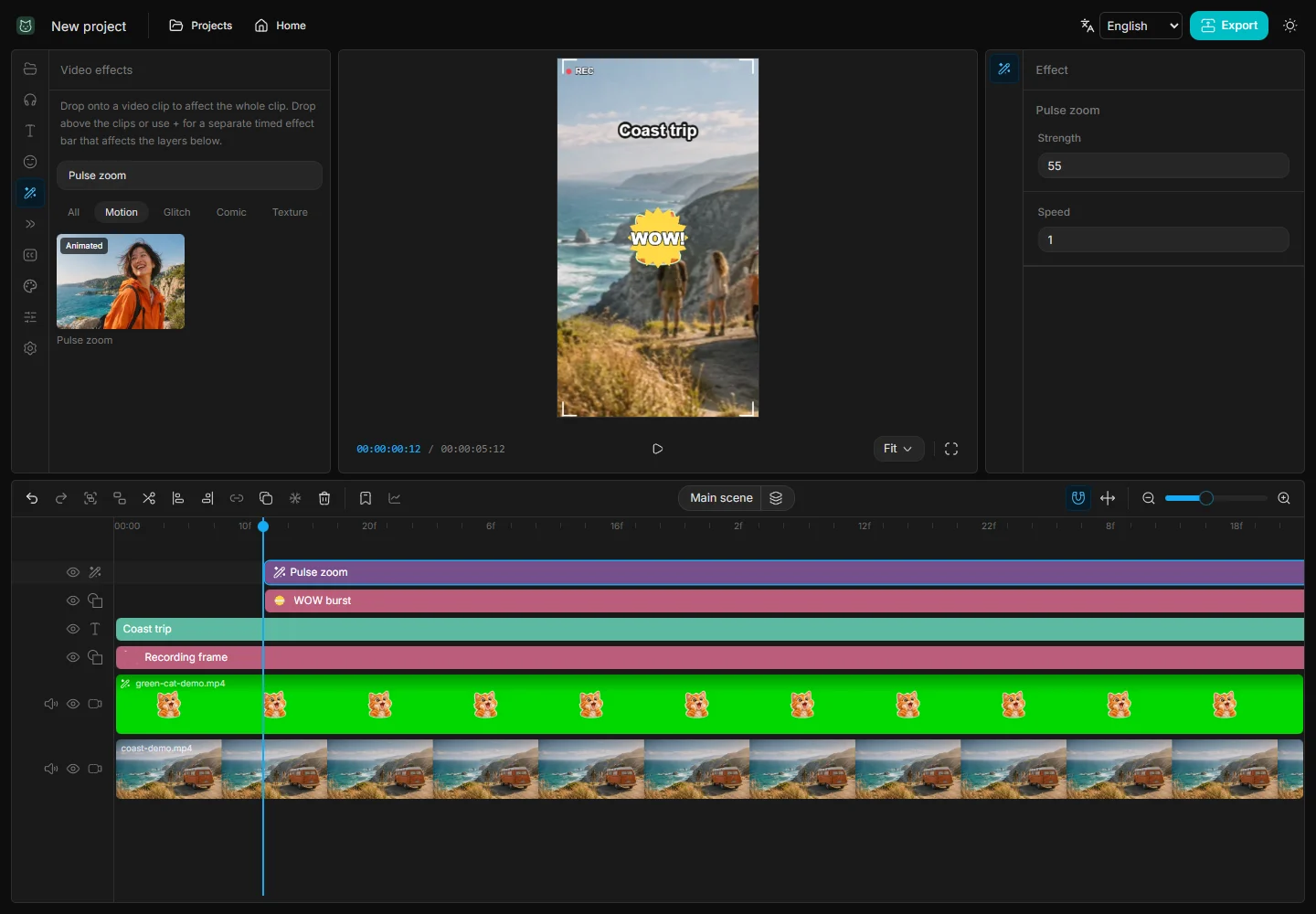
Open Effects and use the plus button to add Pulse zoom as its own bar. Place the bar over the product reveal and trim it so the next shot stays steady. If text becomes hard to read while the effect plays, shorten the effect or move the title above its layer.
3. Do a sound-off check
Mute the preview and see whether the first shot explains the topic and the last gives a clear next step. Shorten labels that wrap awkwardly and move them away from the outer edges. If you add a voiceover, listen again with sound and lower the music under speech before exporting.