Edit YouTube Shorts for free online
Make a vertical tutorial with a visible result, readable step labels, and room for viewers to follow each action.
1. Show the result, then the steps
For a short how-to, open with the finished result and cut to the first action. In a 9:16 canvas, reframe close-ups so your hands or the object stay visible. Cut pauses between steps, but leave enough time to see the action itself.
2. Keep step labels readable
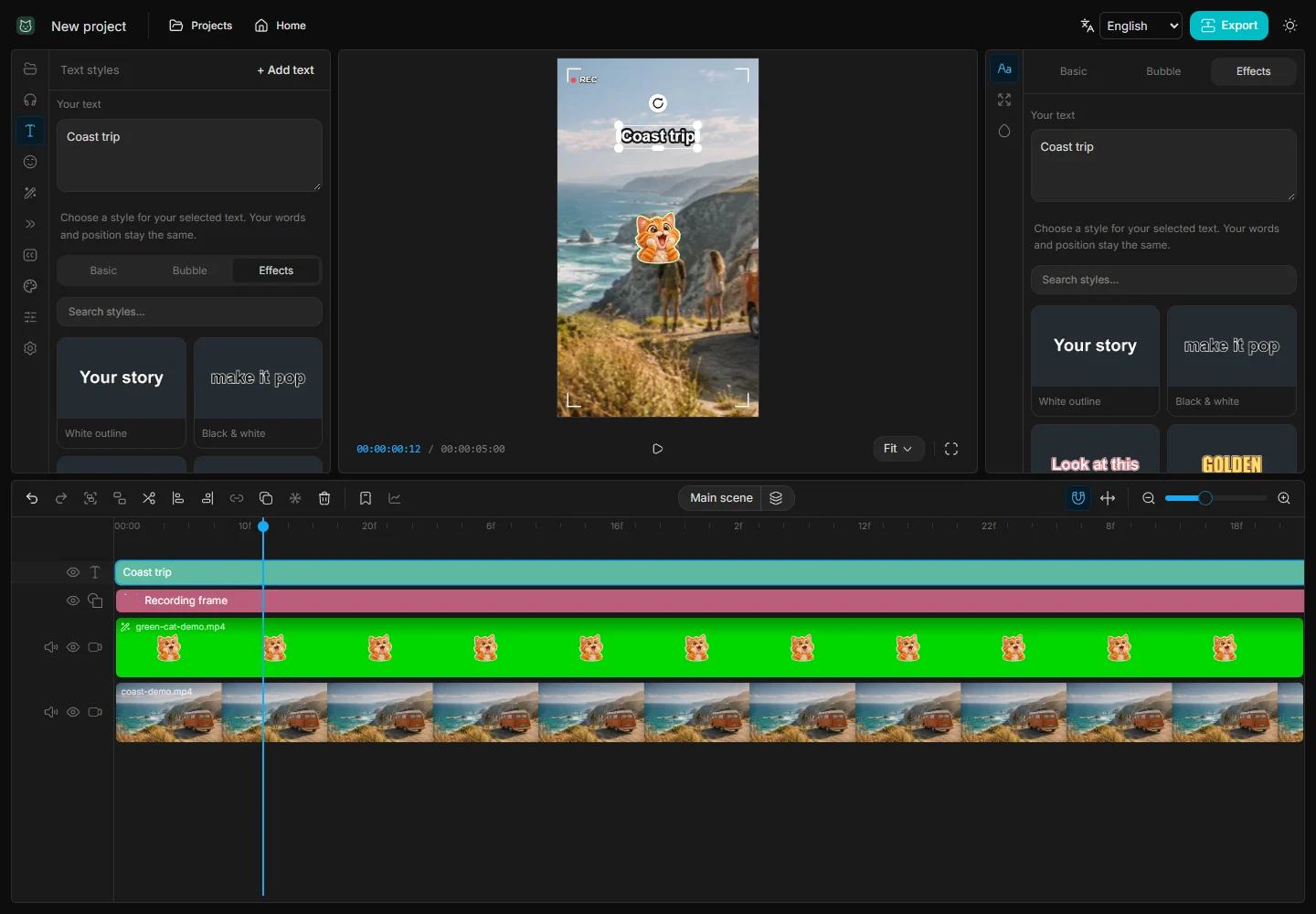
In Text styles, pick an outline or a solid background and enter a short instruction. Start each label when the action begins. Duplicate the text clip for later steps to keep the position and style consistent. If a label covers a hand or tool, move it to a quieter area of the frame.
3. Check the difficult step first
Watch the hardest step at phone size. If the label disappears before you can read it, extend it or shorten the wording. Use Speed to condense a repetitive action only when the technique is still visible. Export MP4 and check the beginning and final frame before uploading.