Edit TikTok videos for free online
Build a short vertical edit around a reveal, with deliberate cuts and a reaction sticker timed to the payoff.
1. Start at the interesting moment
Try a quick outfit change, a recipe reveal, or a travel surprise. Set the canvas to 9:16 in Settings. Start with a recognizable detail, then cut directly to the result. If the source is horizontal, select the clip and adjust scale and position until the important action fits the vertical preview.
2. Time the reaction sticker
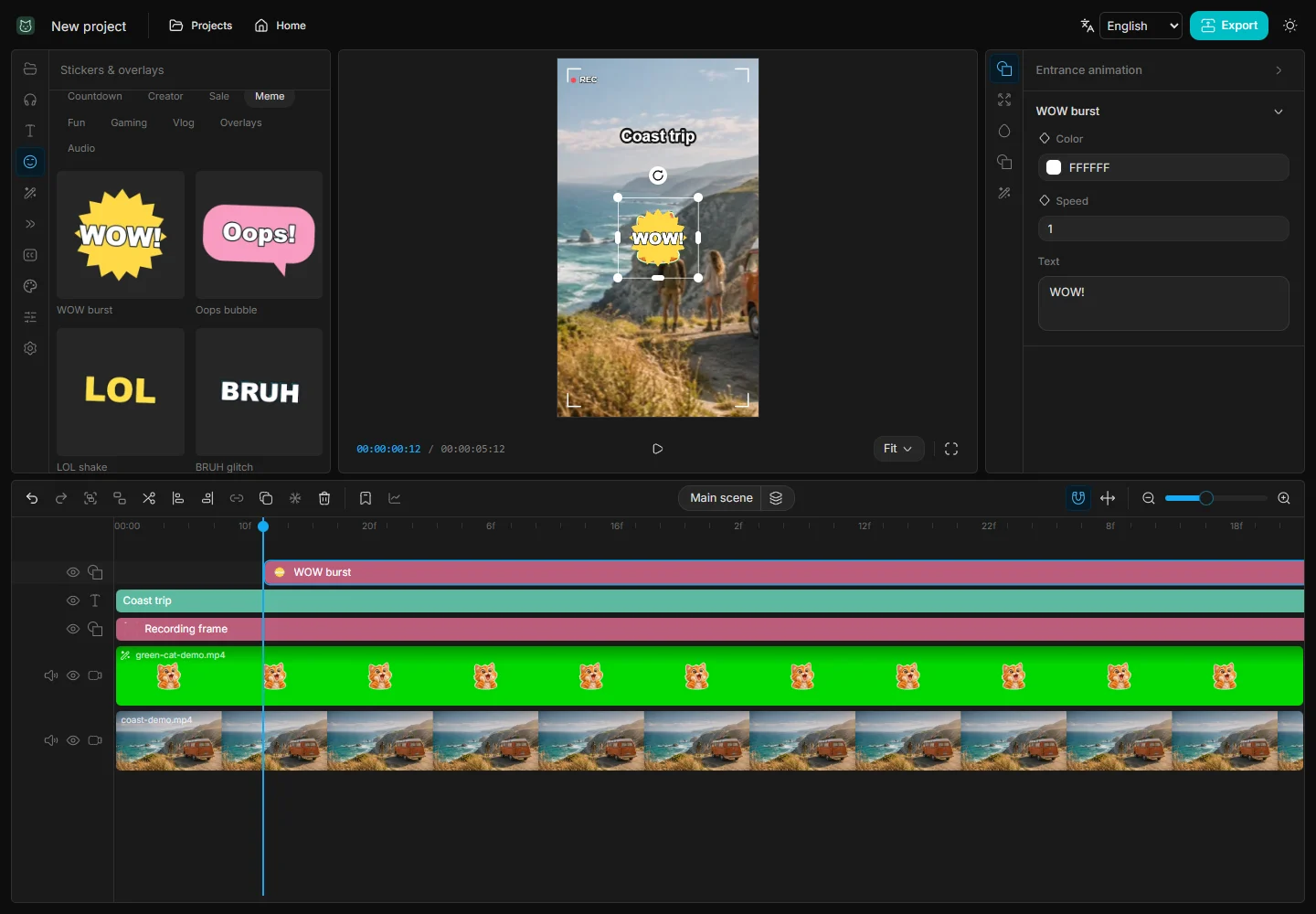
Place the playhead on the reveal and add a sticker from the Meme or Reactions category. Drag the edge of its timeline bar to shorten it. Put it where it will not cover the subject. Play from a little before the cut and move the sticker if the reaction arrives too early.
3. Preview the pacing on a phone
If you use music, put it on its own track and align a visible beat or transient with the cut. Keep any caption away from the frame edges so it survives the posting preview. Export a test MP4 and watch it once without pausing. If the reveal needs replaying to make sense, hold the result shot a little longer.